BUYING GUIDE · October 21, 2026
Kindle vs Kindle Scribe (2026): Do You Actually Need the Bigger One?
A practical comparison of the base Kindle and Kindle Scribe to help US shoppers decide if they need writing and PDF markup or just a reader.

Quick answer
If you just want to read books and don't care about writing, get the Amazon Kindle 16 GB (newest model). It's smaller, lighter, and cheaper to own, with up to six weeks of battery life. If you want to annotate PDFs, take notes, or replace paper notebooks, get the Amazon Kindle Scribe (64GB) — it does everything the base Kindle does, plus writing, at a larger size and cost.
What actually separates these two devices
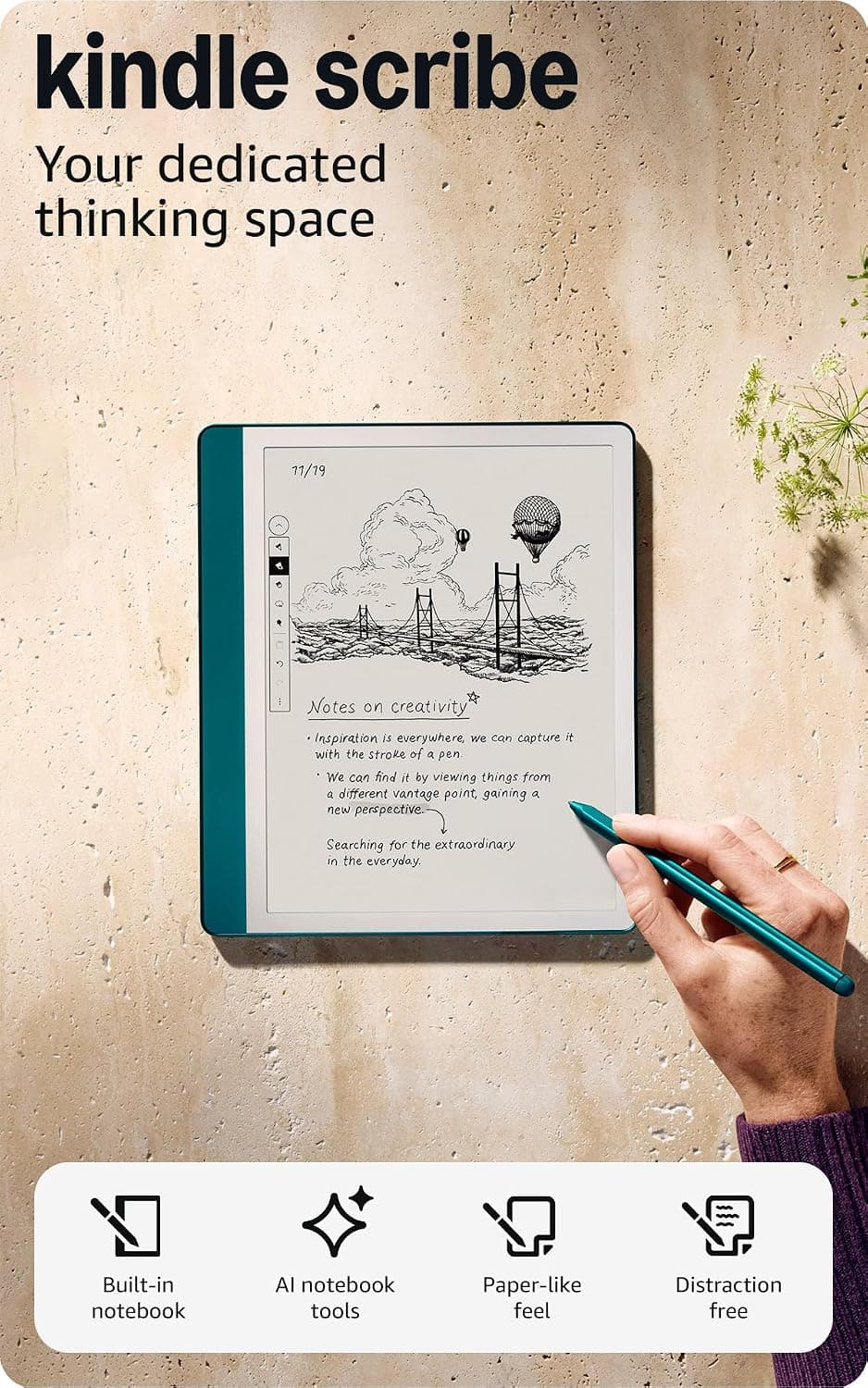
Both are e-ink readers from the same product family, but they're built for different jobs. The base Kindle is a dedicated reading device: small, pocketable, and optimized for turning pages quickly in any light. The Scribe is a reading-and-writing device: a 10.2-inch display built to handle a stylus, markup documents, and digital notebooks, with AI tools layered on top to clean up handwriting and summarize notes.
The question isn't "which is better" — it's whether you need the writing half at all. If you don't, the Scribe's extra screen real estate and pen functionality are weight and bulk you're carrying for no reason.
Screen size and portability
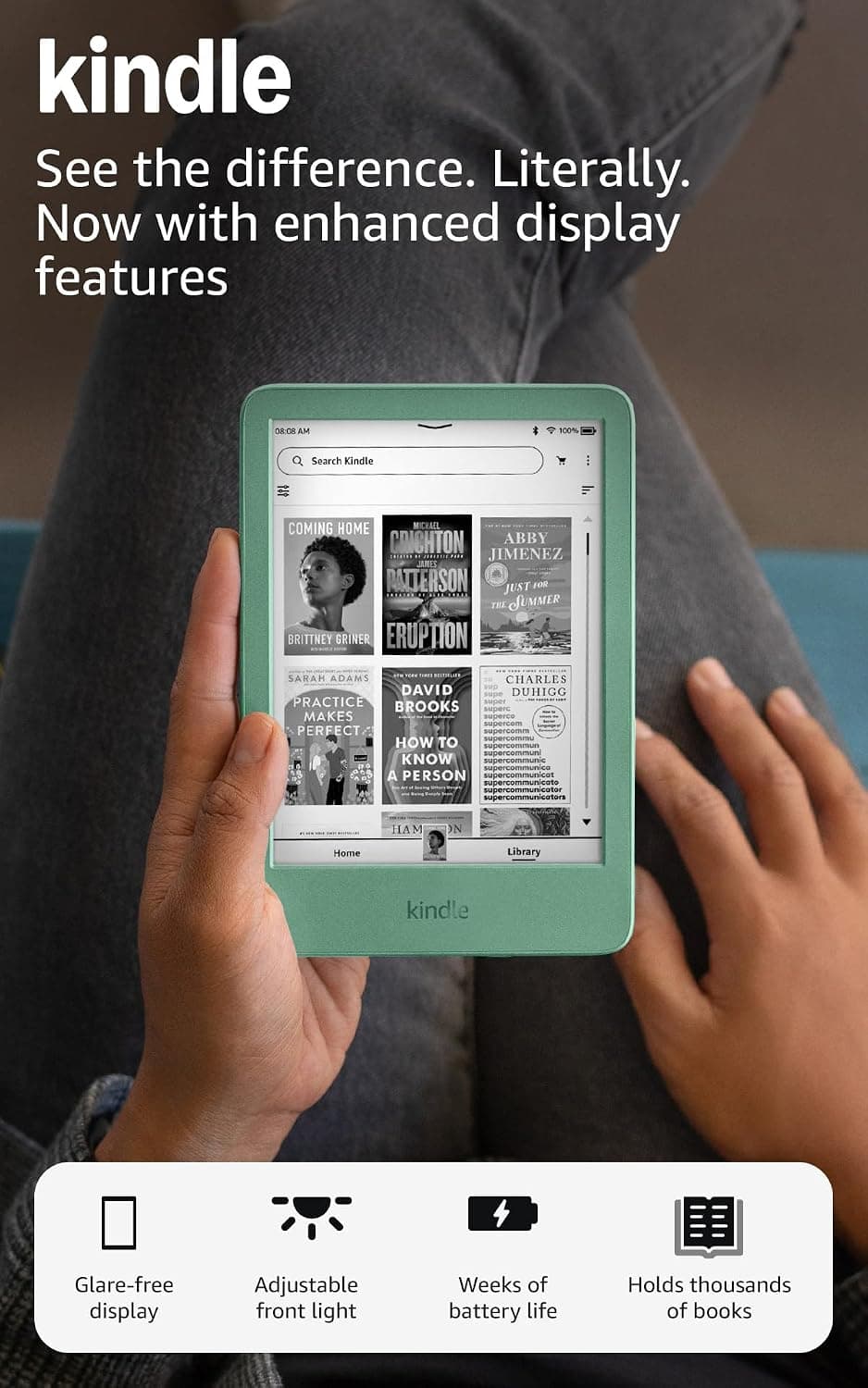
The Amazon Kindle 16 GB (newest model) is described as the lightest and most compact Kindle made, with a 6-inch glare-free display. That size is the point: it fits in a jacket pocket or small bag, and it's light enough to hold one-handed for long reading sessions without wrist fatigue.
The Amazon Kindle Scribe (64GB) has a 10.2-inch glare-free, 300 ppi display — close to a small notepad or tablet in footprint. That's necessary for writing and document markup to feel natural, but it also means it's heavier and less pocketable. If portability is your main criterion, the size gap alone may settle the decision.
Reading experience and battery life
Both use e-ink, so neither will strain your eyes the way a phone or tablet screen does, and both are designed to be glare-free indoors and outside. The base Kindle's listing specifically calls out a brighter front light at max setting, higher contrast ratio, and faster page turns versus prior models, plus up to six weeks of battery life on a single charge.
The Scribe's listing doesn't give a battery-life figure, so check the current listing for that spec before buying if battery endurance matters to you — writing and document rendering on a larger, pen-enabled display is reasonably likely to draw more power between charges than the simpler reading-only Kindle, but confirm the number rather than assuming.
Writing, notes, and documents — the real dividing line
This is where the two products stop being comparable. The base Kindle has no stylus support and no note-taking function; its catch is explicitly that it's too small for PDFs or note-taking. It's a book reader, full stop.
The Amazon Kindle Scribe (64GB) is built around writing. It includes the Premium Pen (no setup or charging required to use it), and its feature set covers importing and marking up documents and PDFs via Send to Kindle, writing directly on a book's page using a feature called Active Canvas that creates space for notes in the margins, and built-in AI tools that convert handwriting into readable text and can summarize or adjust the tone and length of your notes. If any part of that — PDF markup, handwritten notes, replacing a stack of paper notebooks — is something you actually do regularly, the Scribe is the only one of the two that can do it.
Storage and what it means day to day
The base Kindle comes with 16 GB, which the listing says holds thousands of books — plenty for nearly all text-based reading, since e-books are small files. The Scribe comes with 64 GB, which makes sense given it's also storing notebooks, imported PDFs, and handwritten annotations, all of which take up more space than plain text. If your use case is books only, 16 GB is not a limiting factor. If you're planning to import a lot of documents or keep years of notebooks on-device, the Scribe's larger allotment matters more.
Who should buy which
Amazon Kindle 16 GB
- The appeal
- Glare-free 6-inch screen with up to 6 weeks of battery
- The catch
- No color, and too small for PDFs or note-taking

Best for readers who want one job done well: carrying a large library in a small, light device with long battery life and a glare-free screen. Skip it if you need to mark up PDFs or take notes — it's not built for that, and the listing is upfront that it's too small for the job.
Kindle Scribe 64GB
- The appeal
- One calm e-ink screen for reading, writing, and PDF markup.
- The catch
- Grayscale e-ink with no apps and noticeable refresh lag.
Best for people who read and also need to write — students marking up PDFs, professionals who take notes alongside reading, or anyone trying to replace a paper notebook habit with a single device. The catch is real: it's grayscale e-ink with no apps, and like most e-ink devices handling ink input, there's a noticeable refresh lag compared to writing on paper or a tablet with an LCD screen. If snappy, tablet-like responsiveness while writing is important to you, that lag is worth weighing before buying.
Bottom line
Choose based on whether you write, not on which device sounds more capable on paper. The Amazon Kindle 16 GB (newest model) is the better buy for pure reading — smaller, lighter, and simpler, with no features you'll pay for and never use. The Amazon Kindle Scribe (64GB) earns its larger size and higher storage specifically because of the pen, document markup, and AI notebook tools — features the base Kindle can't offer at any price. If you're on the fence, ask yourself whether you've actually wanted to annotate a PDF or take handwritten notes in the last few months; if the answer is no, the smaller Kindle will serve you just as well for less.
More reviews in this category
Electronics
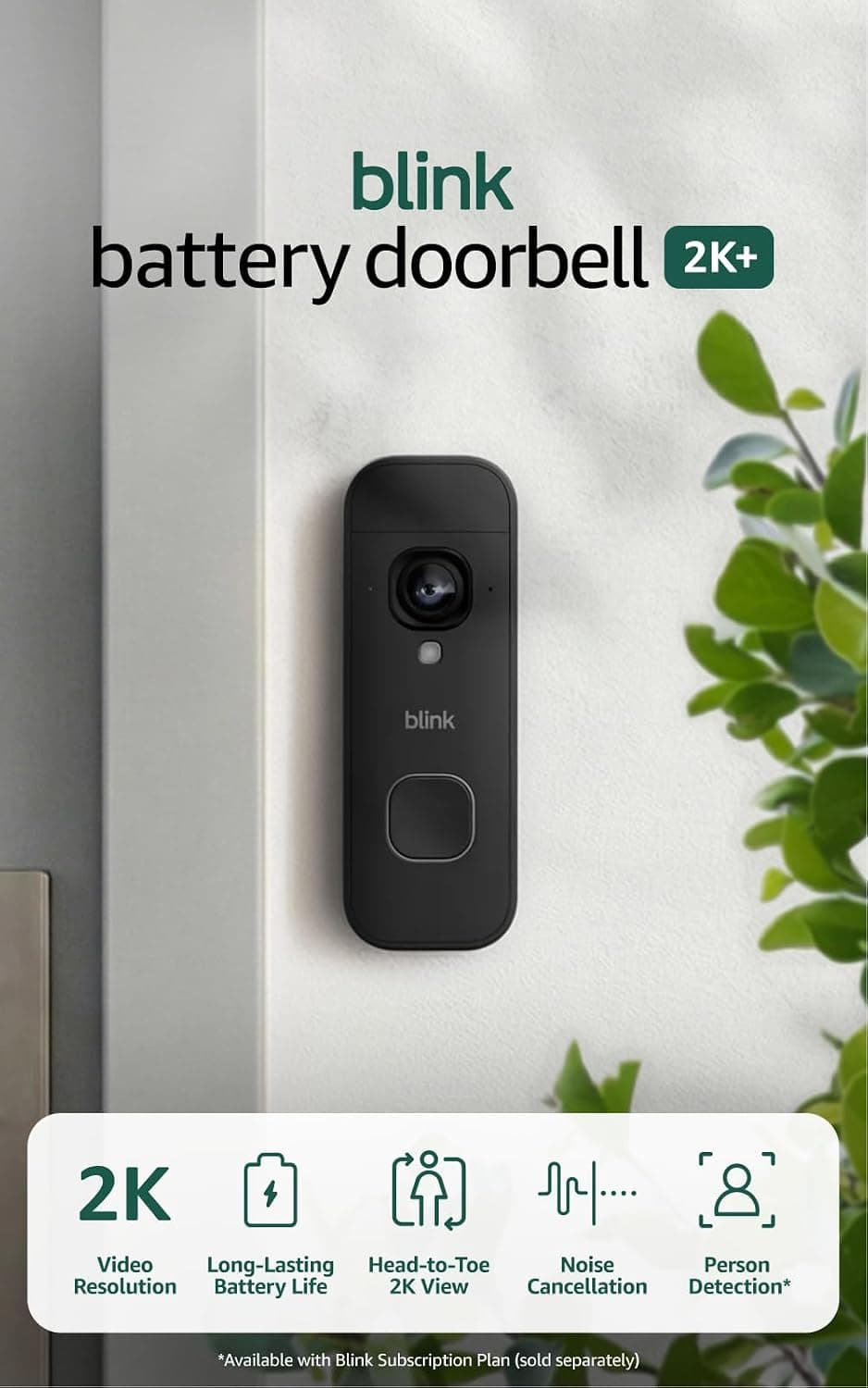
Blink Battery Doorbell 2K+
THE APPEALSharp 2K head-to-toe view installs in minutes, no wiring
THE QUESTIONShould you buy the Blink 2K+ video doorbell?
Read the analysis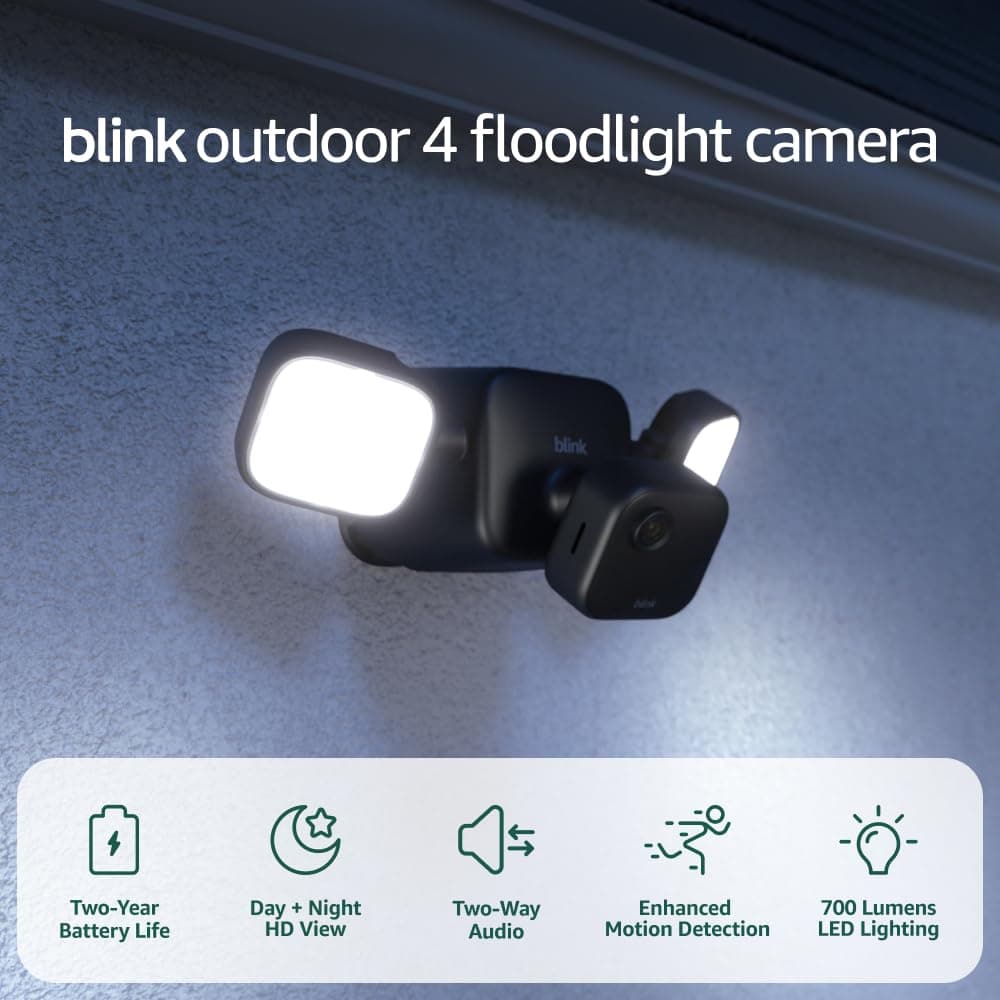
Electronics
Blink Outdoor 4 Floodlight Camera
THE APPEALCamera plus motion floodlight with no wiring needed
THE QUESTIONIs this wire-free floodlight camera worth buying?
Read the analysis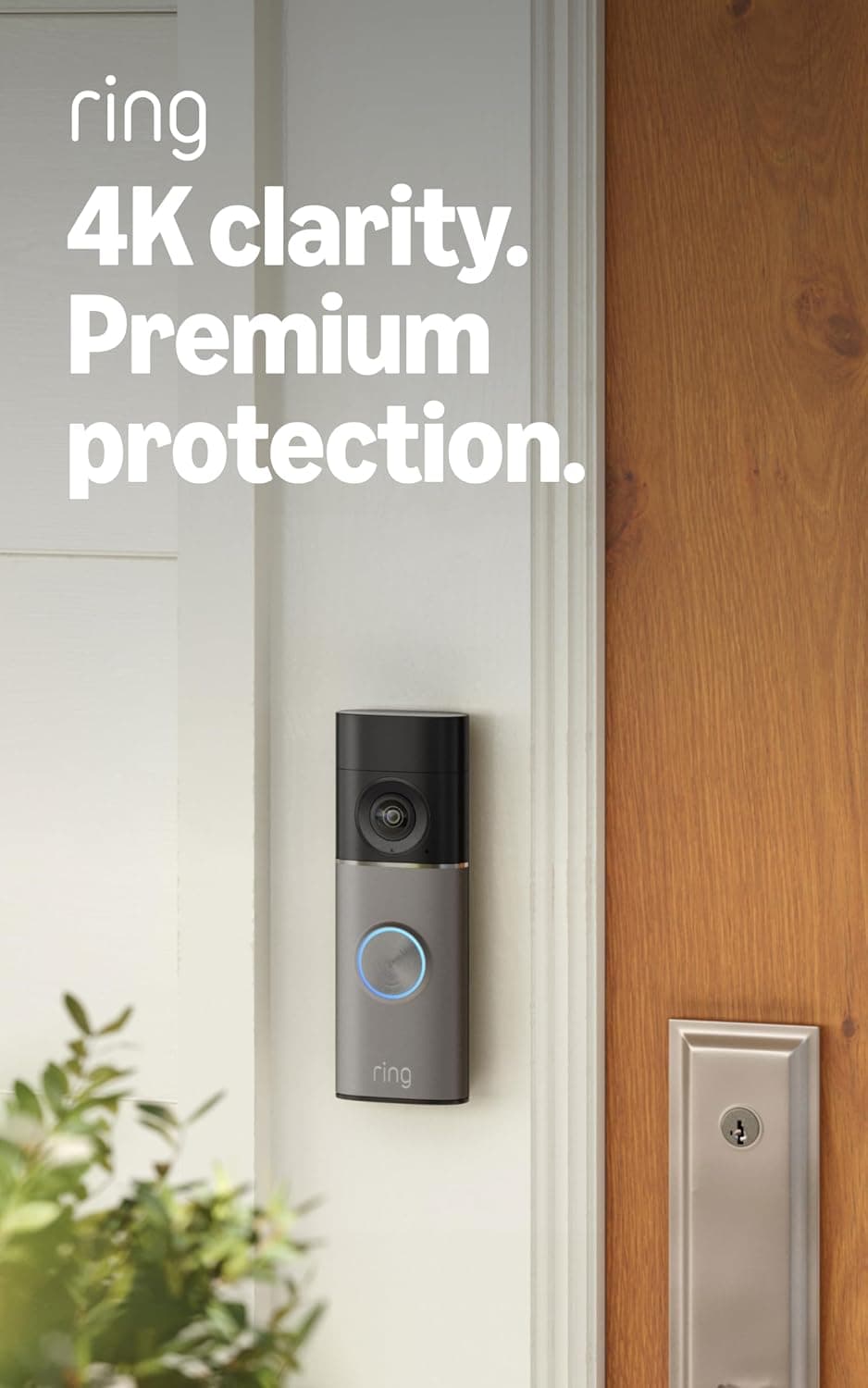
Electronics
Ring Battery Doorbell 4K Pro
THE APPEALSharpest 4K image Ring sells, with usable 10x zoom
THE QUESTIONShould you buy Ring's 4K Pro battery doorbell?
Read the analysisAs an Amazon Associate, we earn from qualifying purchases.