Kindle Scribe 64GB Review: Is It Worth It?
The Kindle Scribe is a 10.2-inch e-ink reader and notebook with an included Premium Pen and built-in AI note tools. It suits heavy readers who want to write and mark up PDFs on the same glare-free screen.
- The appeal
- One calm e-ink screen for reading, writing, and PDF markup.
- The catch
- Grayscale e-ink with no apps and noticeable refresh lag.

As an Amazon Associate, we earn from qualifying purchases.
Key features
- Large 10.2-inch 300 ppi screen is sharp and glare-free
- Premium Pen included, no charging or pairing needed
- AI tools convert handwriting to typed, readable text
- Reads and annotates PDFs via Send to Kindle
- Battery lasts weeks of writing, months of reading
- 64GB holds large PDFs and many notebooks
Limitations
- Grayscale e-ink, no color, apps, or browser
- Refresh lag noticeable when writing or flipping fast
- Bigger and pricier than a standard Kindle
- Locked into Amazon's ebook ecosystem
What exactly are you buying here?
The Kindle Scribe is Amazon's big-screen Kindle, a 10.2-inch e-ink slate that reads books and lets you write on it with the included Premium Pen. This is the 64GB version, which is the storage tier you want if you plan to load a lot of PDFs, documents, and notebooks rather than just a handful of novels. The color on this particular listing is Metallic Jade, which affects the back of the device, not the screen.
Think of it as two products sharing one body. It's a comfortable Kindle for long reading sessions, and it's a dedicated notebook for handwriting. The pitch is that you carry one glare-free device instead of a stack of paper notebooks plus a separate e-reader, and you get no notifications or social media pulling your attention away.
Who is it for, and who should skip it?
Buy it if you already read on Kindle and you find yourself wanting to jot notes, annotate PDFs, or keep handwritten journals in one place. People who sit through meetings, lectures, or long documents and prefer writing by hand over typing are the core audience. The large 10.2-inch panel also makes a real difference for textbooks, sheet music, and PDFs that look cramped on a 6 or 7-inch reader.
Skip it if you mostly read paperback-sized novels. A standard Kindle is lighter, cheaper, and easier to hold one-handed, and you won't use the pen. Skip it too if you want a color screen, apps, a web browser, or a true tablet. This is e-ink: grayscale, deliberately limited, and slower to refresh than an iPad. If your real goal is digital art or a do-everything tablet, this isn't that.
What sets it apart from a regular Kindle or a reMarkable?
Two things. First, the screen size and the pen combination. Most Kindles are reading-only; the Scribe adds writing on a panel large enough to actually work on. Second, the built-in AI notebook tools. You can convert messy handwriting into readable typed font, summarize a notebook, and change the length or tone of your notes. That turns handwritten pages into something you can clean up and reuse, which a pile of paper can't do.
Against a reMarkable or a Boox tablet, the Scribe's advantage is the Kindle ecosystem itself. Your existing library, your purchases, and Send to Kindle all live here, so importing a PDF or document to mark up is straightforward. The trade-off is that you're locked into Amazon's walled garden. The reMarkable tends to win on writing feel and note organization for people who live in notes, while Boox devices run Android and do far more. The Scribe wins if reading and writing matter equally and you're already an Amazon reader.
What do the specs actually mean in practice?
The display is 10.2 inches at 300 ppi, front-lit and glare-free. 300 ppi is the sharp, print-like density Amazon uses across its premium Kindles, so text looks crisp and small fonts stay legible. Front-lit means the light shines across the screen rather than at your eyes, so you can read in a dark room or in direct sun without the glare you'd get from a phone or tablet. The listing doesn't specify whether the front light is adjustable for warmth, so check that on the product page if reading-at-night color matters to you.
Storage is 64GB, which is a lot for e-ink content. Books take up very little space; the capacity mainly helps if you store large illustrated PDFs or hundreds of notebooks. Battery life is quoted as months of reading or weeks of writing on a single charge. Those are vague by design and depend heavily on how bright you keep the light and how much you write, but e-ink devices genuinely last far longer between charges than any backlit tablet. The Premium Pen needs no charging or pairing; you just pick it up and write, and it attaches magnetically.
How does the writing and PDF work hold up?
Amazon describes the pen as feeling like pen on paper, with tactile and audible feedback as you write. We haven't run our own writing tests on this unit, so treat the "feels like paper" claim as the manufacturer's, not ours. Independent of the feel, the functional parts are clear: you can import documents and PDFs through Send to Kindle and mark them up directly on the page, which is the feature most buyers actually care about.
Active Canvas is the reading-plus-notes feature. Start writing on a book's page and it opens space for your notes, and you can expand the margins for more room or collapse them to see the original page. That's genuinely useful for students and anyone annotating as they read. One honest caveat: e-ink refresh is slower than a screen, so fast scribbling and quick page flips won't feel instant. If you expect iPad-level responsiveness, you'll notice the lag.
What are the trade-offs and unknowns?
The big one is that this is a single-purpose device with a tablet-sized footprint. It's grayscale, there are no apps, and at 10.2 inches it's less pocketable than a small Kindle. The AI note tools are promising, but their accuracy on genuinely messy handwriting will vary, and the listing doesn't say whether summarization needs Wi-Fi or works offline, so confirm that if it matters.
The product page also doesn't list weight, exact dimensions, water resistance, or whether USB-C fast charging is included, so check those specs before you commit. The 4.4-star rating across 3,797 ratings is solid for a device at this size and complexity, and suggests most buyers are happy, but it's not flawless, and the common e-ink complaints (speed, limited software) are worth keeping in mind.
So is it worth it?
For the right person, yes. If you read heavily on Kindle and want to write, annotate, and keep notebooks on the same calm, glare-free screen, the Scribe does something no plain Kindle and no iPad does as well, and the included Premium Pen plus 64GB make this the version to get. If you just read novels, or you want color and apps, your money goes further elsewhere. It lands as a good buy with clear trade-offs. Score: 7.8.
How we made this review
This review combines the manufacturer's specifications, the product listing and verified owner feedback. Our video review isn't published yet. We weigh every product against the alternatives shoppers usually consider, and our editors check every verdict and score. We don't accept free products or payment for reviews. Our approach.
Is the Kindle Scribe 64GB worth it for you?
Should you buy the Kindle Scribe for notes?
More in Electronics
Electronics
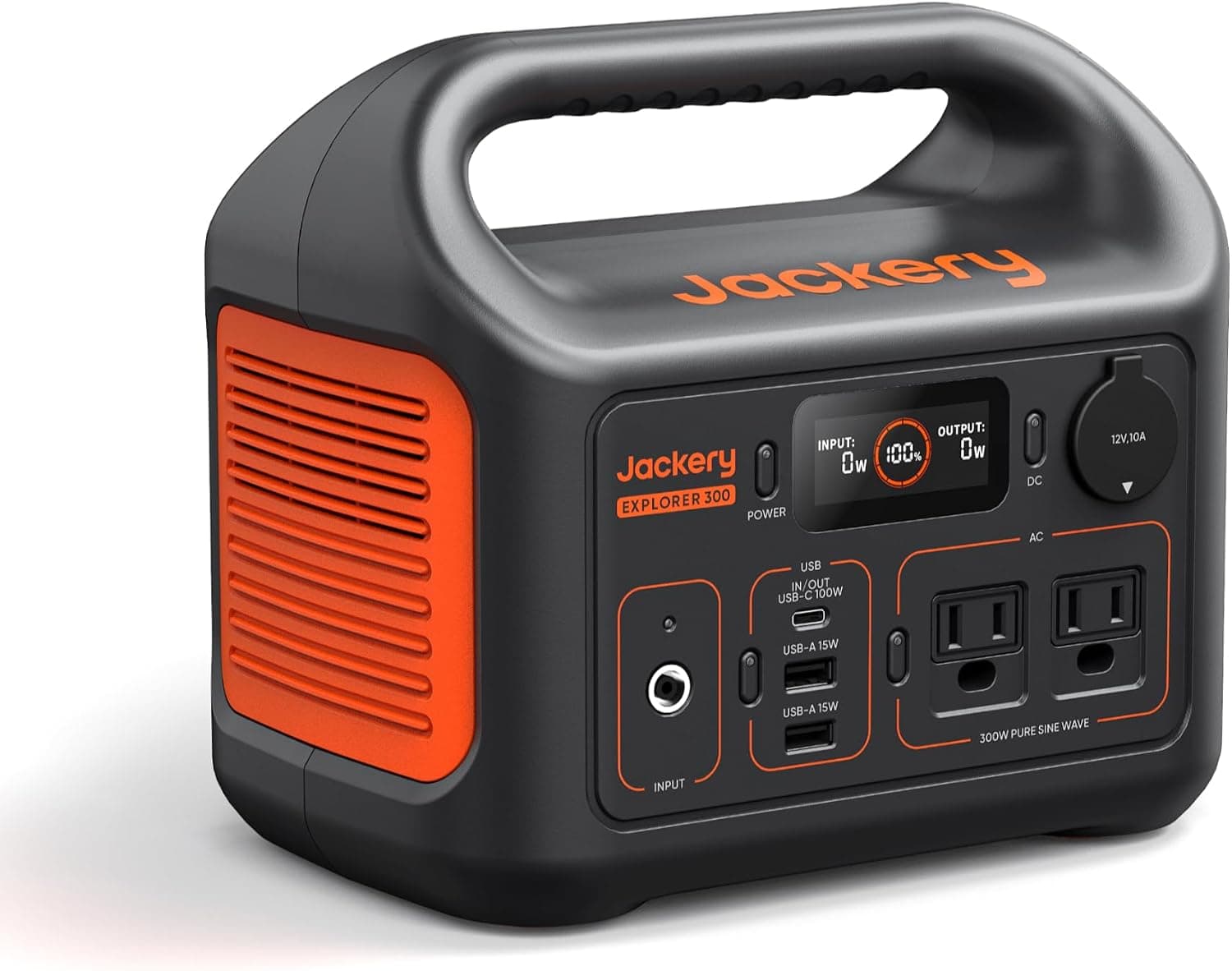
Jackery Explorer 300
THE APPEALJust 7 pounds with a 100W USB-C laptop port
THE QUESTIONIs this small power station enough for camping?
Read the analysis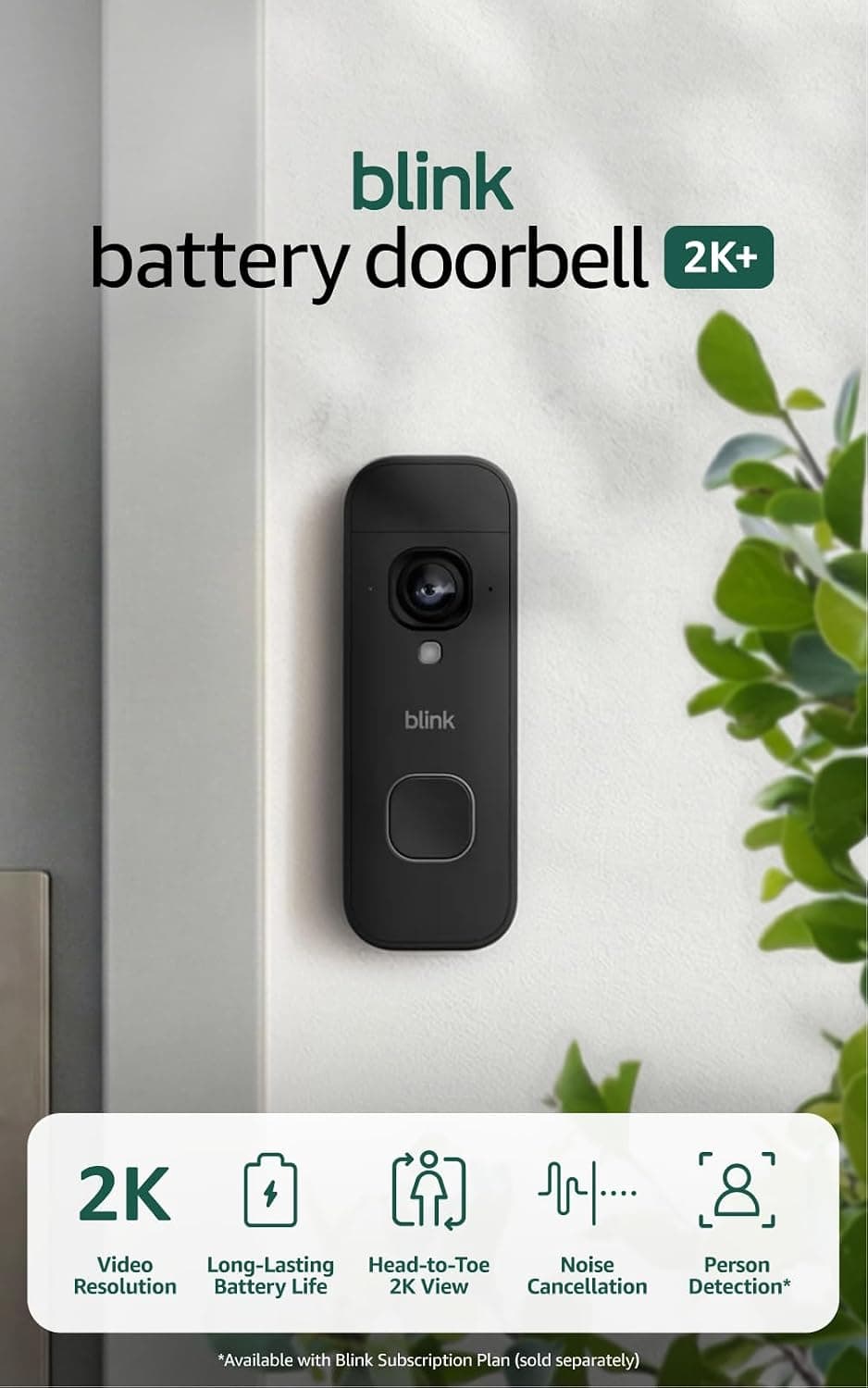
Electronics
Blink Battery Doorbell 2K+
THE APPEALSharp 2K head-to-toe view installs in minutes, no wiring
THE QUESTIONShould you buy the Blink 2K+ video doorbell?
Read the analysis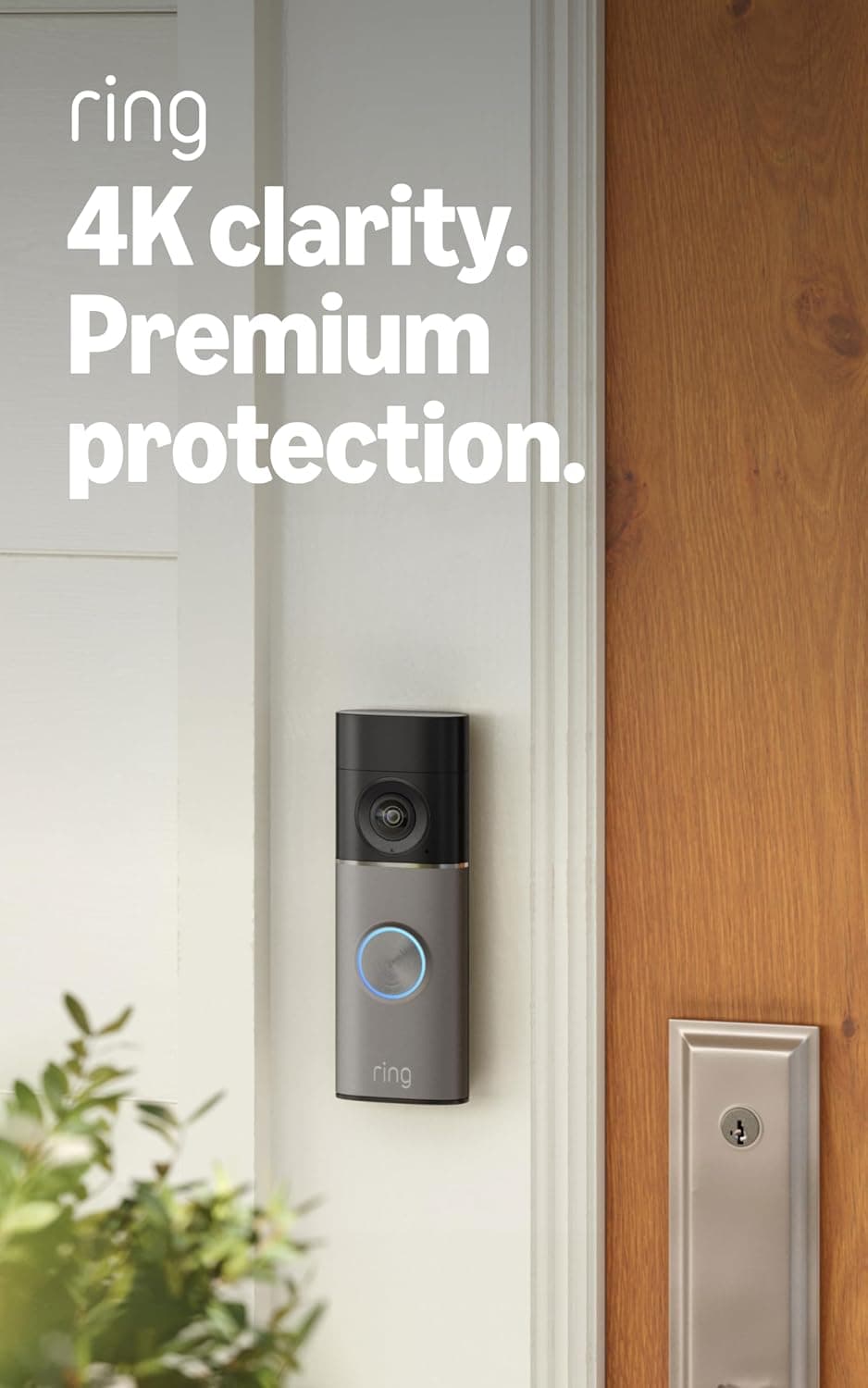
Electronics
Ring Battery Doorbell 4K Pro
THE APPEALSharpest 4K image Ring sells, with usable 10x zoom
THE QUESTIONShould you buy Ring's 4K Pro battery doorbell?
Read the analysis